A few months ago I released my Monopoly game. In that post I explained part of the reason for me taking a step back from the other things I had been doing was to enable my wife to spend more time on our daughter’s education. In practice, part of what that has meant over the last few weeks is that I’ve taken over responsibility for most of the meals and the cooking. In our household, we plan the meals that we’re going to have week-by-week and then make a shopping list for the week, so for the last few weeks it’s fallen to me to make the shopping list.
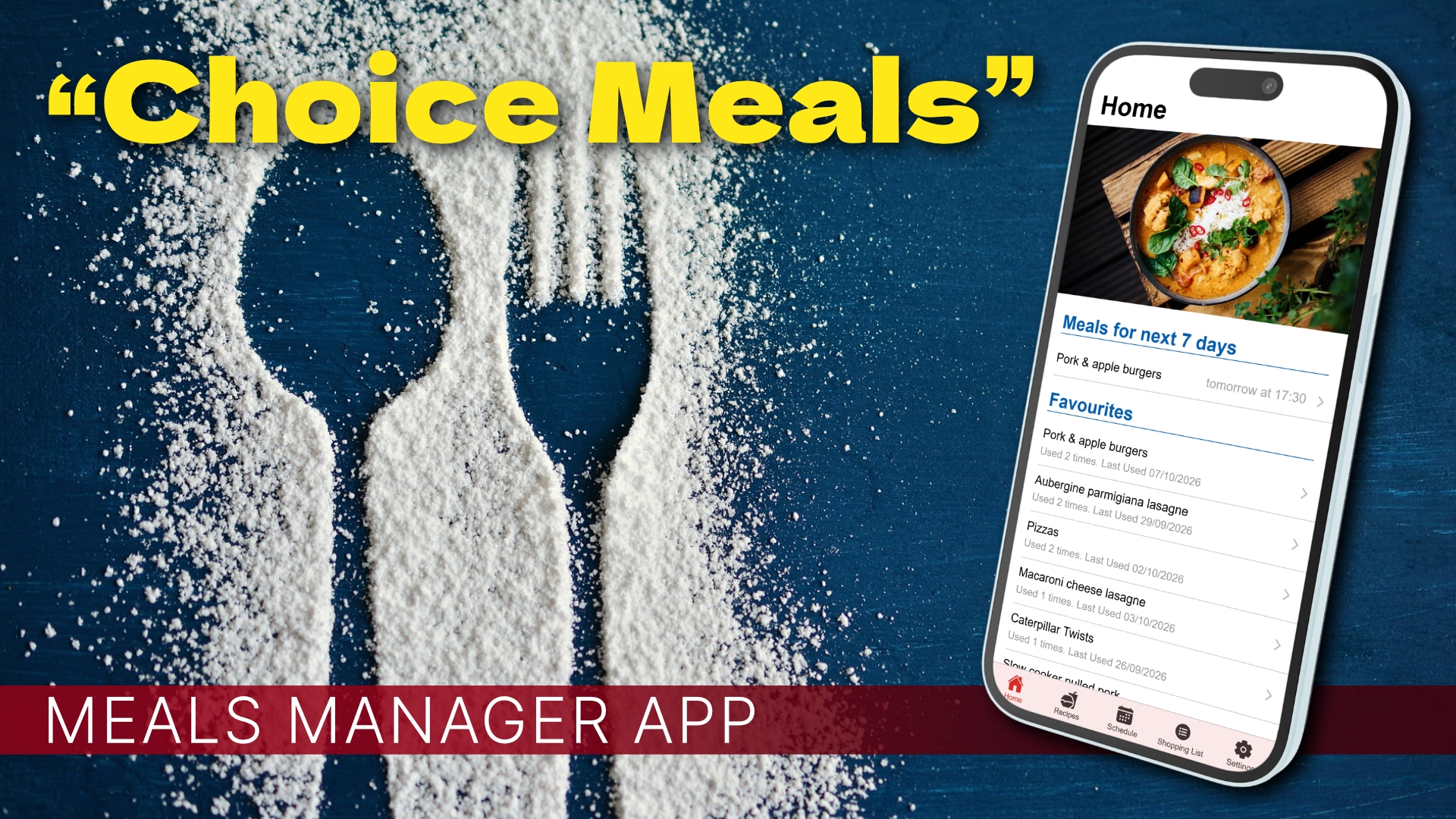
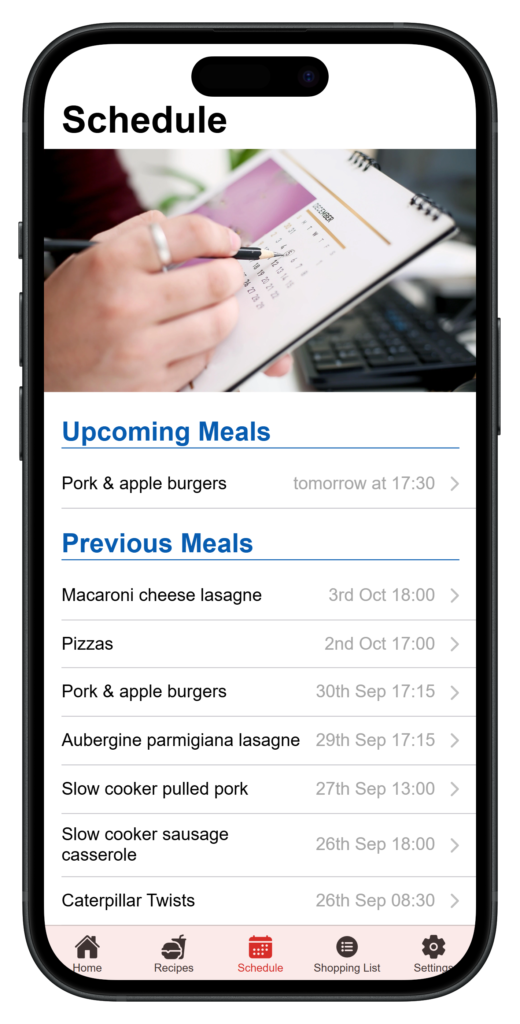
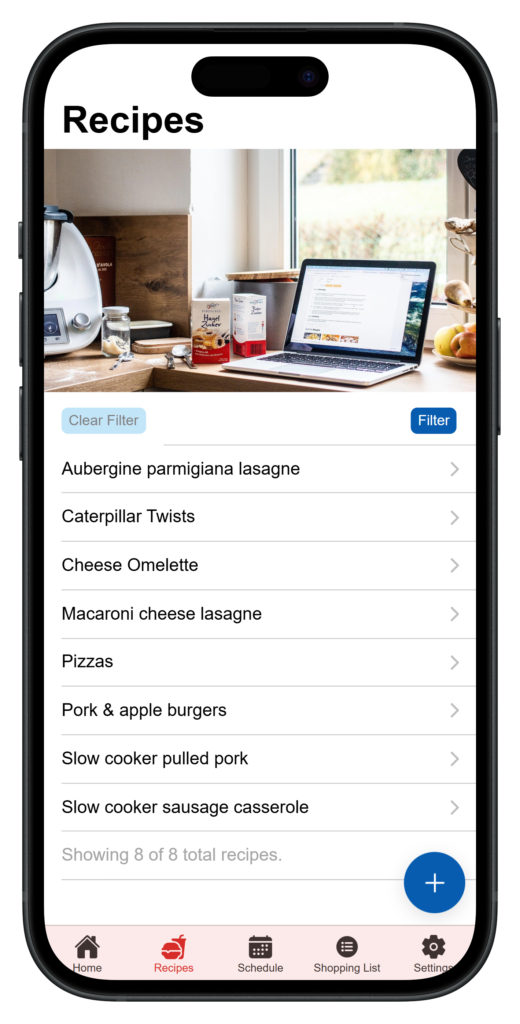
It didn’t take long before I managed to mess up, i.e. I forgot to write a few ingredients down and had to do a quick trip to the shop while I was in the middle of preparing dinner! What with me being me and everything, I decided that this problem could do with a technological solution. In a nutshell, I decided to create a basic app where you could input recipes, schedule them, and then it would give you a shopping list with all the necessary ingredients added.
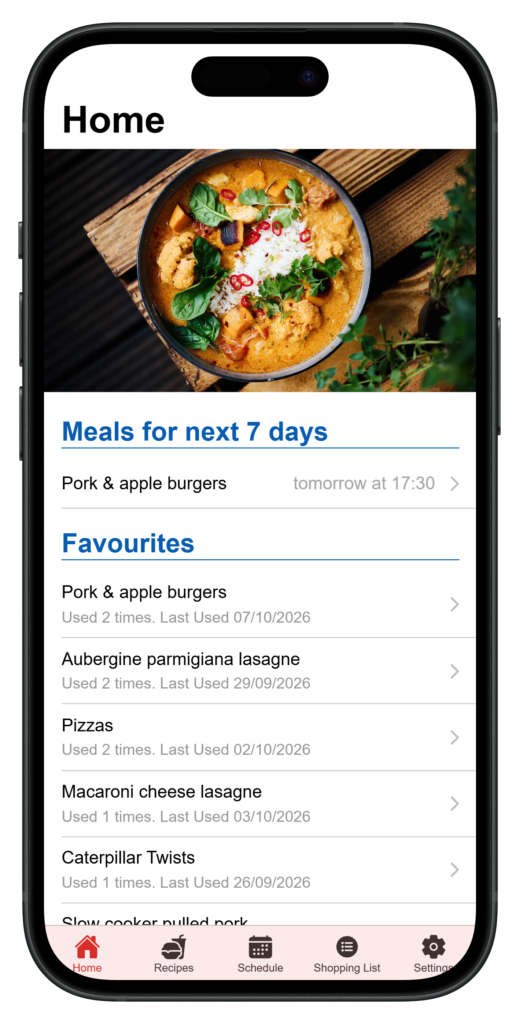
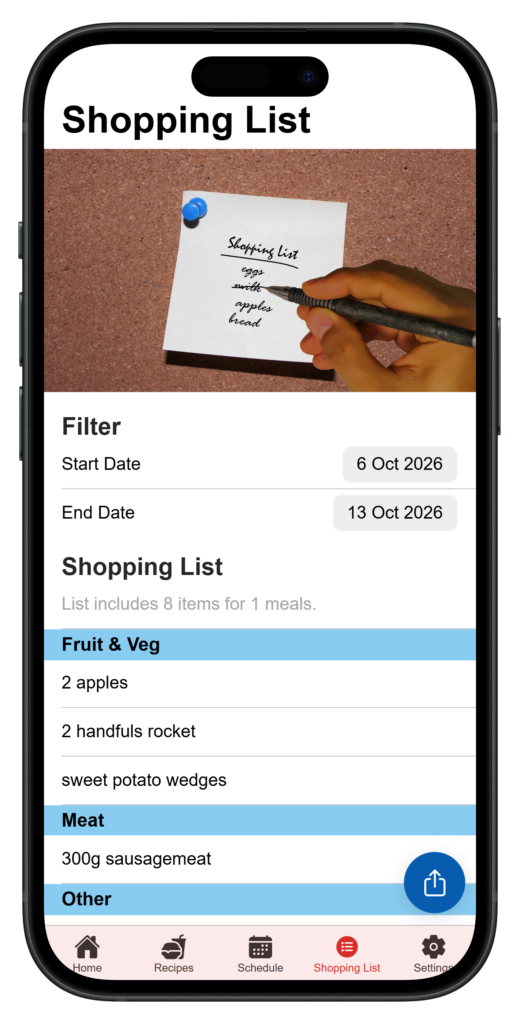
I’ve been using it for the last couple of weeks and, although it’s simple, I think it’s basically there and pretty useful. You just input the recipes you want to use, with ingredients (and instructions if you want), and then tap through to the shopping list tab and you can download the list. Obviously the list will probably need some modification, i.e. at the moment if you have three recipes which all need the same ingredient you’ll need to combine those manually. Or if there are ingredients you’ve already got in the house, you’ll need to remove those manually.
But, in general, I’ve found it to be a helpful tool and has made my life easier. I hope to keep working on it, so if you use it please let me know and get in touch if you have comments or suggestions!
Gallery
Other information
- All data is stored on your device. If you want to transfer to another device, you can download a backup and then restore on the other device.
- The App is a “PWA” — Progressive Web App — which is basically a web page which can be installed as an app. Android users can do this easily, it’s a more fiddly process on iPhone. (You have to open the app in Safari, then click the menu button, then ‘Share’, then scroll down and click ‘Add to Home Screen’. It’s almost as if Apple want to discourage people from doing this…)
- It is written using Ionic and React. The advantage of this toolkit is that it is possible to turn them into native Android / iOS apps, so if there is a demand this app could be turned into an app which is findable via the app store. Unfortunately this costs a bit of money, especially for Apple, so I’m not keen to do this at the moment unless there is a demand for it!
- It’s still a work in progress, so please let me know if you find any bugs, and I would advise you to download regular backups if you want ensure your data isn’t lost!
Leave a Reply